Organization knowledge
An agent is only as good as what it knows about your business. Knowledge is where your policies, price lists, playbooks and product specs live - curated once by the people who own them, and bound to every agent that needs them.
Update the return policy in one place and every agent citing it is current on the next turn. Nobody re-uploads a file into six agents, and nobody has to wonder which copy was the recent one.
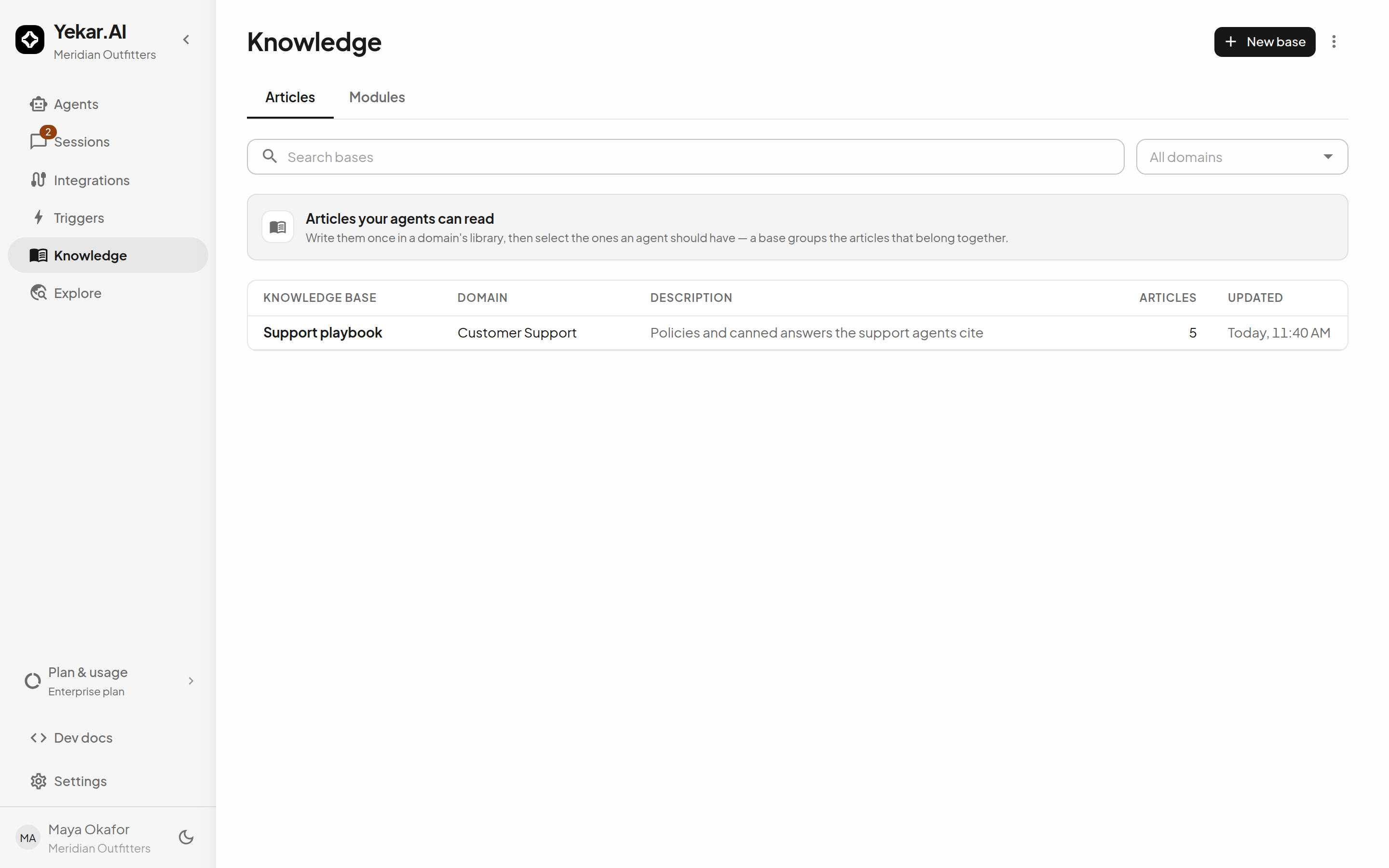
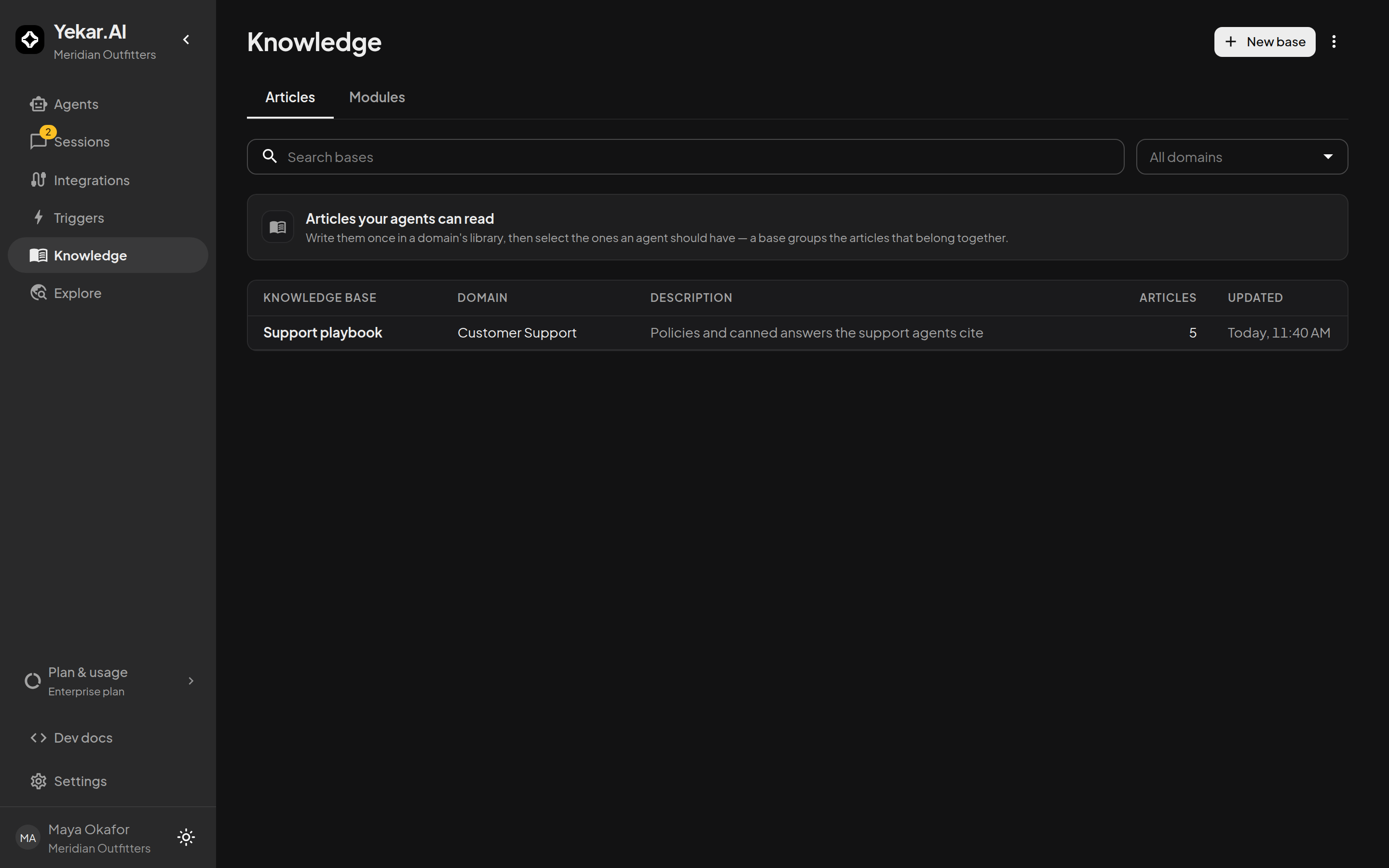
How it fits together
- A knowledge base belongs to the organization or a domain and holds articles.
- An article is one item - an uploaded DOCUMENT that flows to searchable on its own (Processing → Active, or Failed with retry), or a WRITTEN article that is drafted, published, and versioned by its author. See Documents and written articles.
- A module groups articles into a reusable selection an Agent binds as one unit.
- An Agent binds a selection - none, its domain's articles, everything org-visible, or specific modules - and retrieval takes it from there.
This is a different tier from an Agent's own uploaded files: files belong to one Agent, organization knowledge is curated centrally and shared. Both appear in the Agent's Knowledge drawer, side by side - see Using knowledge in Agents.
Sharing a knowledge base
A domain's knowledge base is shared as a whole, from Owners on its page:
- Owners - other domains can co-own it. Editors and Owners of any owning domain manage its articles.
- Who can read it - other domains (with a minimum role in each), or everyone in the organization, can open and search its articles.
- Whose agents can use it - other domains' agents, or every agent in the organization, can retrieve from it.
Articles used to be shared one at a time with Organization visibility. Those articles now live in a sibling base named after the original with " (shared)" added - "Handbook (shared)" for "Handbook" - whose two lists are set to everyone, with the same article ids, so citations and Procedure references keep working. An article still marked Organization can be set back to Domain; to share one, share its base.
Articles in an organization knowledge base always have Organization visibility and have no owning domain. Modules have the same split as before: domain modules and org-wide modules.
Create a knowledge base
Open Knowledge → New base and choose Belongs to:
- Whole organization creates a shared base with no domain. Organization Owners and Admins can create and manage it.
- Domain shows the domain selector. Choose a domain where you are an Editor or Owner; if only one is available, it is selected automatically.
Enter a name and optional description, then select Create base. Add written articles or upload files as usual. Each article inherits the base's ownership. Agents can use published organization articles through their Organization knowledge selection or a selected module containing them, and reference them with / in Procedure. See Using knowledge in Agents.
If the plan allows only one domain, new knowledge bases belong to the whole organization and the drawer has no domain selector. Domain creation and domain imports are unavailable on that plan. This follows the plan's allowance, even if multiple domains remain from an earlier plan; existing domain bases remain readable and editable with their usual permissions.
Permissions
Organization members can read organization-owned knowledge. Organization Owners and Admins manage organization bases and their articles, organization-wide modules, and OCR spending approvals. All domain members can read their domain's knowledge; creating, editing and publishing domain bases, articles and modules, uploading documents and retrying ingestion require Editor or Owner access in that domain. Organization roles do not bypass domain knowledge-management permissions. See Roles and permissions.
Plan ceilings
Knowledge grows against four ceilings set by your plan: knowledge bases, storage, documents and pages. The Knowledge page header shows bases and storage against the plan; documents count every organization article plus every file attached to an agent, and pages are the recorded page counts of your PDFs. Each is a cap on growth - creating a base or uploading a document that would cross one is refused with PLAN_LIMIT_EXCEEDED, naming the limit and the remedy, and nothing already indexed is ever removed. All four are listed with their usage under Settings → Plan & usage.
Export and import
A domain's knowledge round-trips as a snapshot of its bases, articles and modules. Import, in the Knowledge page's action menu, takes a snapshot file and recreates its contents in the domain you choose (Import snapshot) - useful for staging content or moving a playbook between workspaces. It always creates new bases, articles and modules, so re-importing the same snapshot creates duplicates. Import is offered to domain Editors and Owners on plans that allow domain bases. There is no export control in the product yet.
Tips
If an Agent doesn't use an article you expect, work through the checklist in Using knowledge in Agents - published state, visibility, and the Agent's selection are the three usual causes.
Open Knowledge in Yekar.AI to create a knowledge base and add your first article.
Lesson 4 of 7 in Learn. Next lesson: Test and publish.