Documents and written articles
Everything your team already knows - return policies, shipping SLAs, warranty playbooks, price lists - becomes something your agents can quote from, without anyone rewriting it for a machine. Drop the file in and it is searchable minutes later.
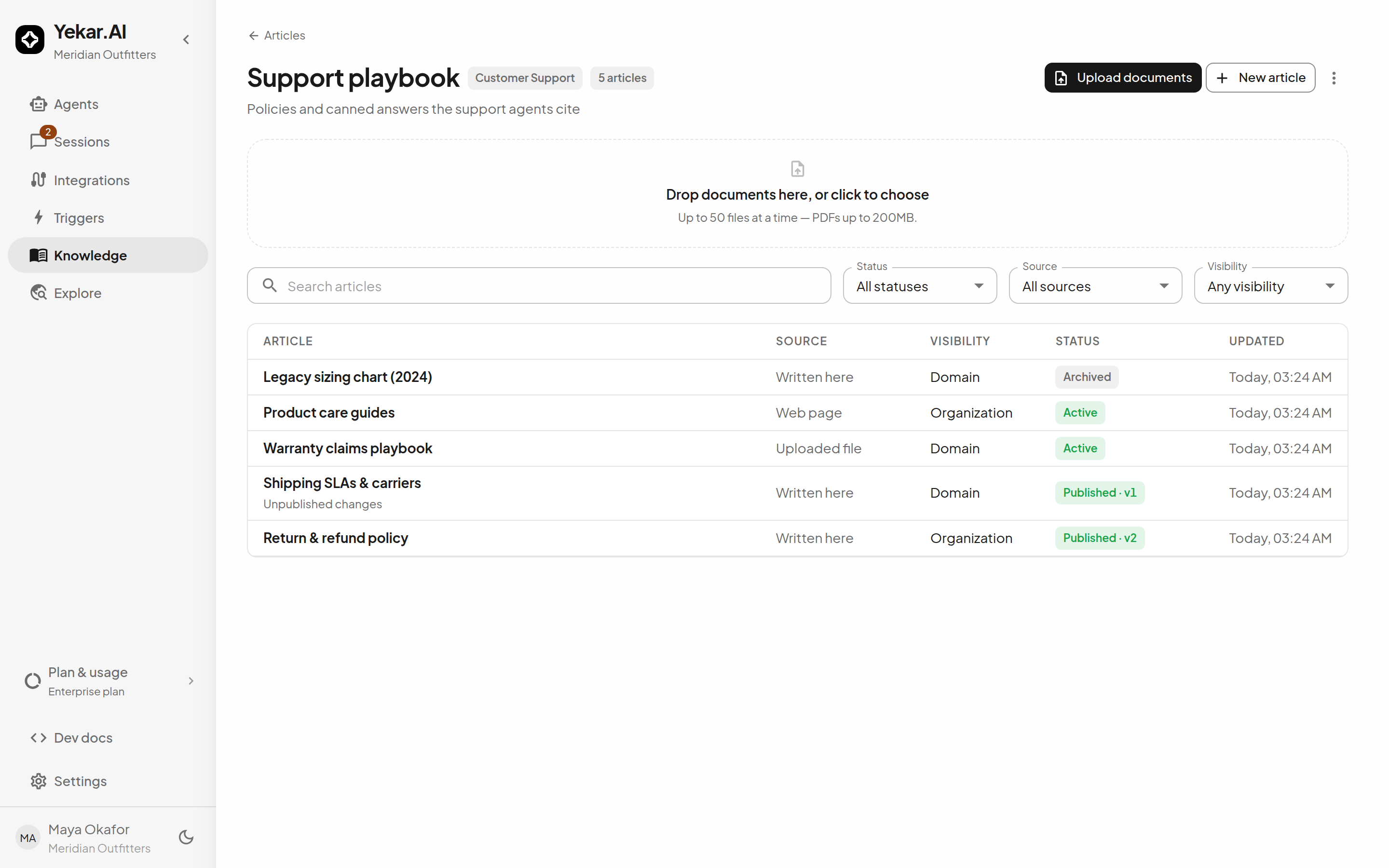
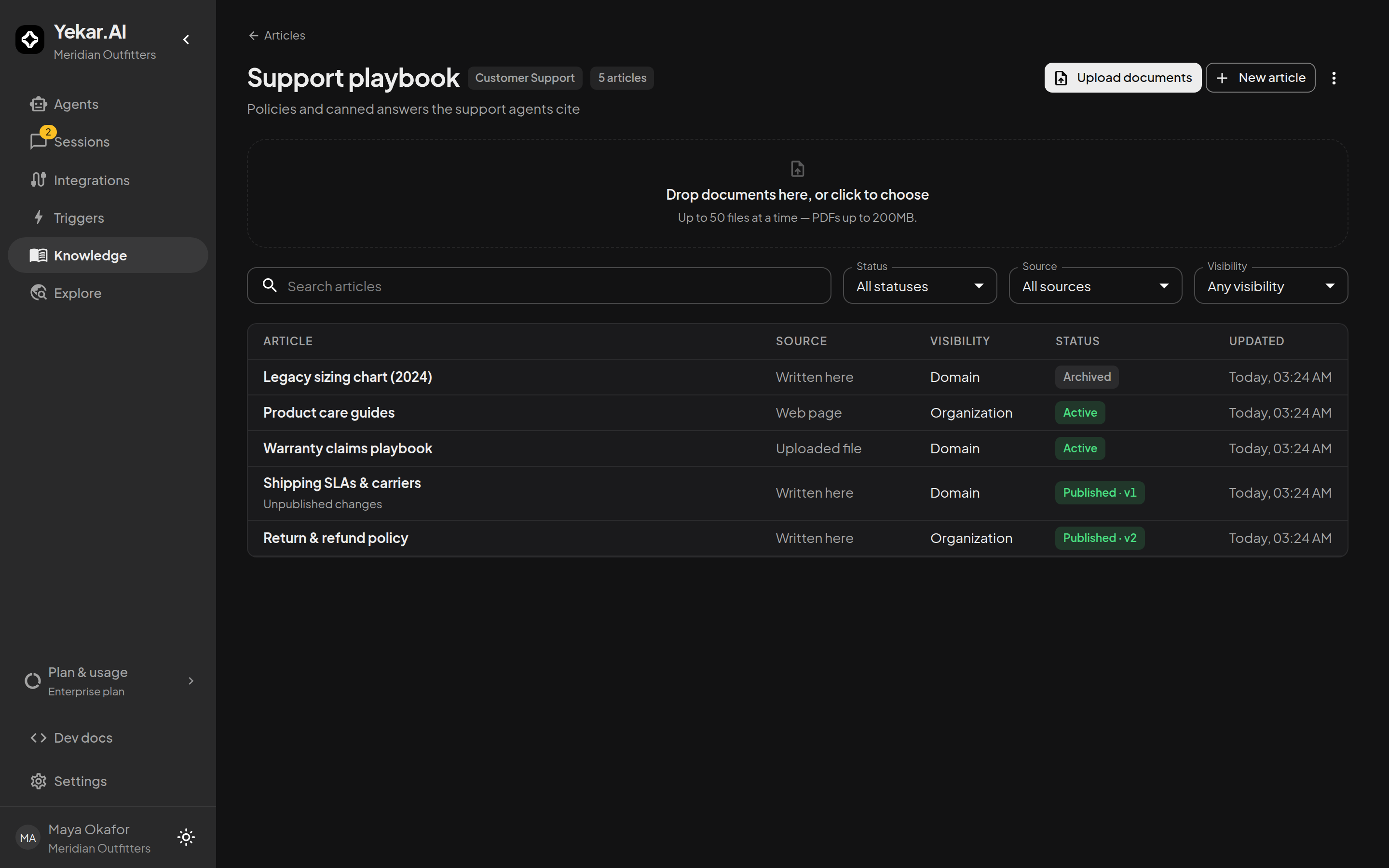
An article is one item in a knowledge base, and it arrives one of four ways. How it arrived decides its journey:
- Upload a document - drop files onto the base (up to 50 at a time, PDFs up to 200 MB). Each becomes a document that flows to searchable on its own; you never press anything else.
- Sync it from a source - a domain's knowledge base can follow a Notion database or a Confluence space. Each page there becomes an article that is read, published and kept current on its own (see Synced sources).
- Write it - an editor authors the article in Markdown, and this kind is drafted and published explicitly, like Agents and Flows.
- Capture it from an Agent's answer - an answer people were happy with, where the library had nothing to say, becomes a draft article verbatim (see Learning from runs). It is drafted and published explicitly, exactly like a written article, and it remembers which reply it came from.
Importing a web page into a knowledge base is no longer offered. Articles that were imported from a web page before then are now ordinary written articles: they keep their text and their published versions, you can edit them like any other written article, and their page shows the address they were copied from. To keep one current, edit and publish it. Agents can still read web pages themselves through their own web tools.
Uploaded documents: three states
A document you upload shows exactly one of three states, and nothing else:
| State | Meaning |
|---|---|
| Processing… | We're reading and indexing it; once indexing is under way the chip says how far along it is - Processing… 42%. Nothing to do - the list updates itself. |
| Active | Searchable. Agents with a matching selection can use it. |
| Failed | It couldn't be read. The row says why, in plain language, with a Retry button - retry re-reads the stored file; you never re-upload. |
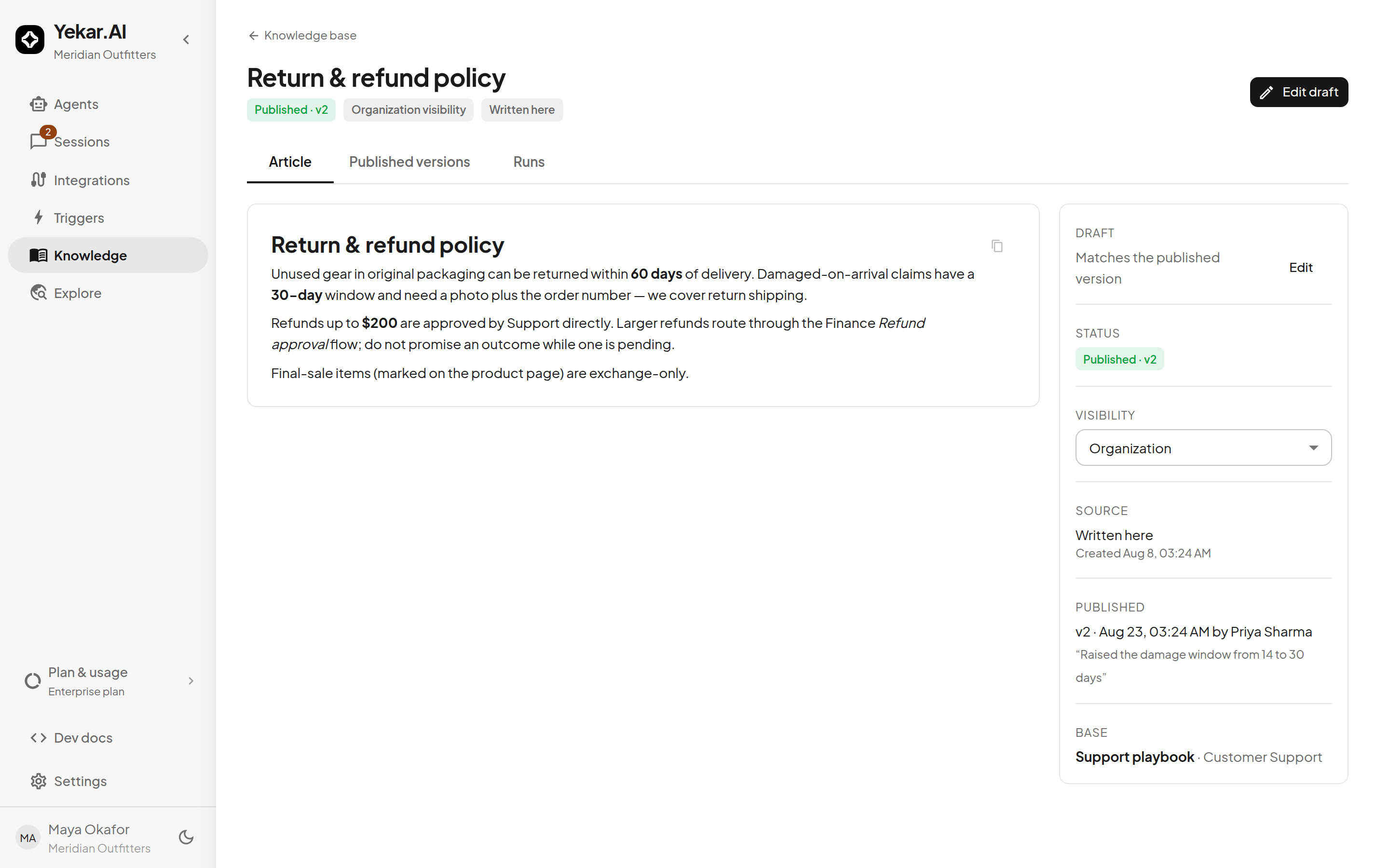
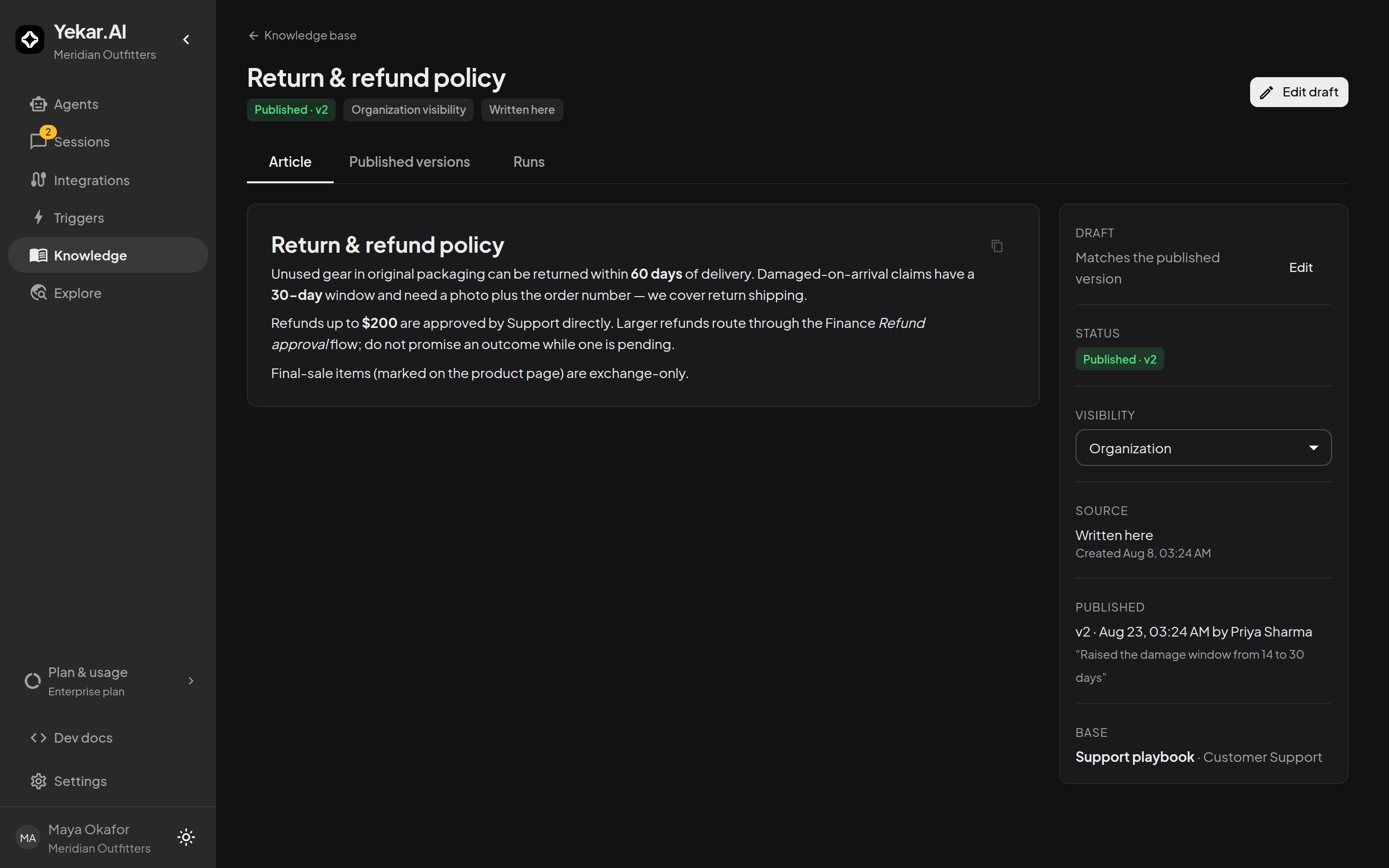
Opening a document shows the original file - a PDF renders as a PDF, other files offer Download original. The rail beside it tells the document's Journey - Uploaded, Read with the page count and how many pages were scanned, the scanned-pages decision where one applied, and Published · searchable - next to its Source (Uploaded file, Written here or Taught from a run), status and visibility. When an agent cites a document, the citation opens the original at the cited page. Your reviewers check the source, not a paraphrase of it.
Remove document, in the document's action menu, archives it: it stops being used for answers, answers that already cited it keep their record, and its stored file still counts toward plan storage. A document that never became searchable is deleted outright instead, since nothing references it.
Synced sources
A knowledge base that belongs to a domain can stay in step with pages that live somewhere else: every page of a Notion database, or every page of a Confluence space. Under Synced sources on the base, Add a source, choose the kind, and paste the database's link or the space's key. You need permission to manage the domain's knowledge.
- It reads through the domain's connection. The domain must have connected Notion or Confluence under Integrations first. A person's own sign-in is never used, so a source keeps working whoever added it and reads only what the domain's connection can see. For Notion, share the database with that connection in Notion, or it reads as empty.
- It keeps itself current. The source is read about once an hour (or now, with Sync now in the source's menu). A new page becomes an article that is read and published on its own, like an upload; a changed page is read again and its new text published as a new version; an unchanged page is left alone. A page removed at the source is archived here. A sync that cannot reach the source says why on the source card, archives nothing, and is tried again later, waiting longer after each failure.
- Synced articles are read-only here. Their source label reads Synced from a source, and Open at the source takes you to the page. Edit the page at the source; the next sync brings the change. Stop syncing archives the source's articles and leaves the source untouched.
- Limits. One sync reads up to 500 pages of a source; the card says when a source holds more. Each new page counts toward your plan's knowledge storage and document allowance, like an upload.
Everyone who can read this knowledge base - and every agent that selects it - can read every page a source brings in, whoever could see that page at the source. Sync only what everyone with access to the knowledge base may read.
Google Drive folders and SharePoint libraries cannot be synced yet.
Scanned pages and OCR
A PDF whose pages carry no text layer is a scanned document, and reading it means a vision model transcribing each page on your organization's own key. That costs money, so the document stops at a gate first: Review OCR shows how many of the pages are scanned, which model would read them, an estimated cost range and an estimated time. Nothing is spent until you confirm. The range is wide on purpose - input tokens vary with page density, and output is capped per page.
Run OCR reads the pages, passing the same monthly budget checks as an agent turn, and records how many it read. Decline OCR is a recorded decision: extraction keeps the text layer that exists, the scanned pages stay unread, and it costs nothing. Either can be reconsidered from the document's page. An organization can also give a standing confirmation, in which case the estimate is still priced and shown but no dialog is raised. See Cost & budgets.
Written articles: draft, publish, versions
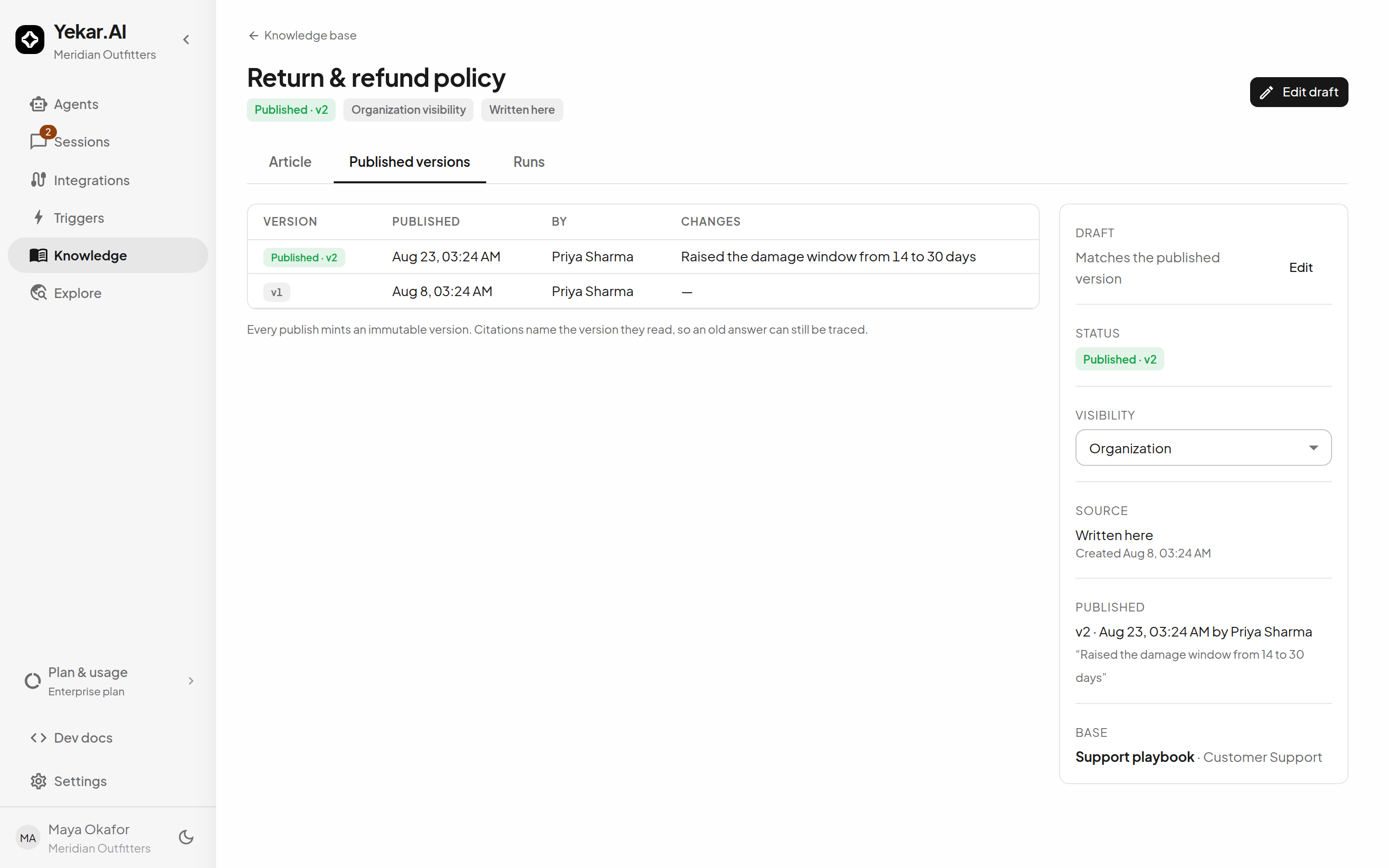
A written article keeps the authoring discipline: editing changes its draft (autosaved, marked Unpublished changes), Publish makes a numbered version live - with an optional change note - and the Published versions tab keeps every prior version readable. Versions are append-only; rolling back is publishing again from an older body, recorded as a new version. What an Agent reads is always a published version, never someone's work in progress.
Agents that follow an article
An Agent's procedure can name an article with a / reference and follow it as shared
instructions, such as a refund policy or an escalation playbook that several Agents use. The
article's page shows under Used by how many Agents' published procedures reference it.
Those Agents read the article live. When you publish a change to it, each of them uses the new version from its next turn, without anyone republishing the Agents - the same as adding a file to an Agent. So the Publish confirmation says how many Agents a change will reach. A reference in an Agent's unpublished draft does not count until that Agent is published. See Procedure.
Visibility, runs, and archive
- Visibility -
domain(its own domain only) ororg(usable across the organization). Articles in organization-owned bases always useorg; domain-owned articles can use either. The same rule applies to written articles, uploads, and captured answers. - Runs - where this article's content was actually used.
- Archive - retires an article without deleting its history. Anything ever published can only be archived, never deleted.
Tips
For an uploaded document, the state chip is the answer: Failed says why and offers Retry. For a written article, a draft with Unpublished changes is not live until published. See Using knowledge in Agents for the retrieval side.