Start from a template
The fastest first agent is one somebody already built. Explore is a catalog of ready-made agents and flows that you copy into your workspace, point at your accounts, and publish. It lists the templates published for your workspace; when none have been published yet, the gallery says so.
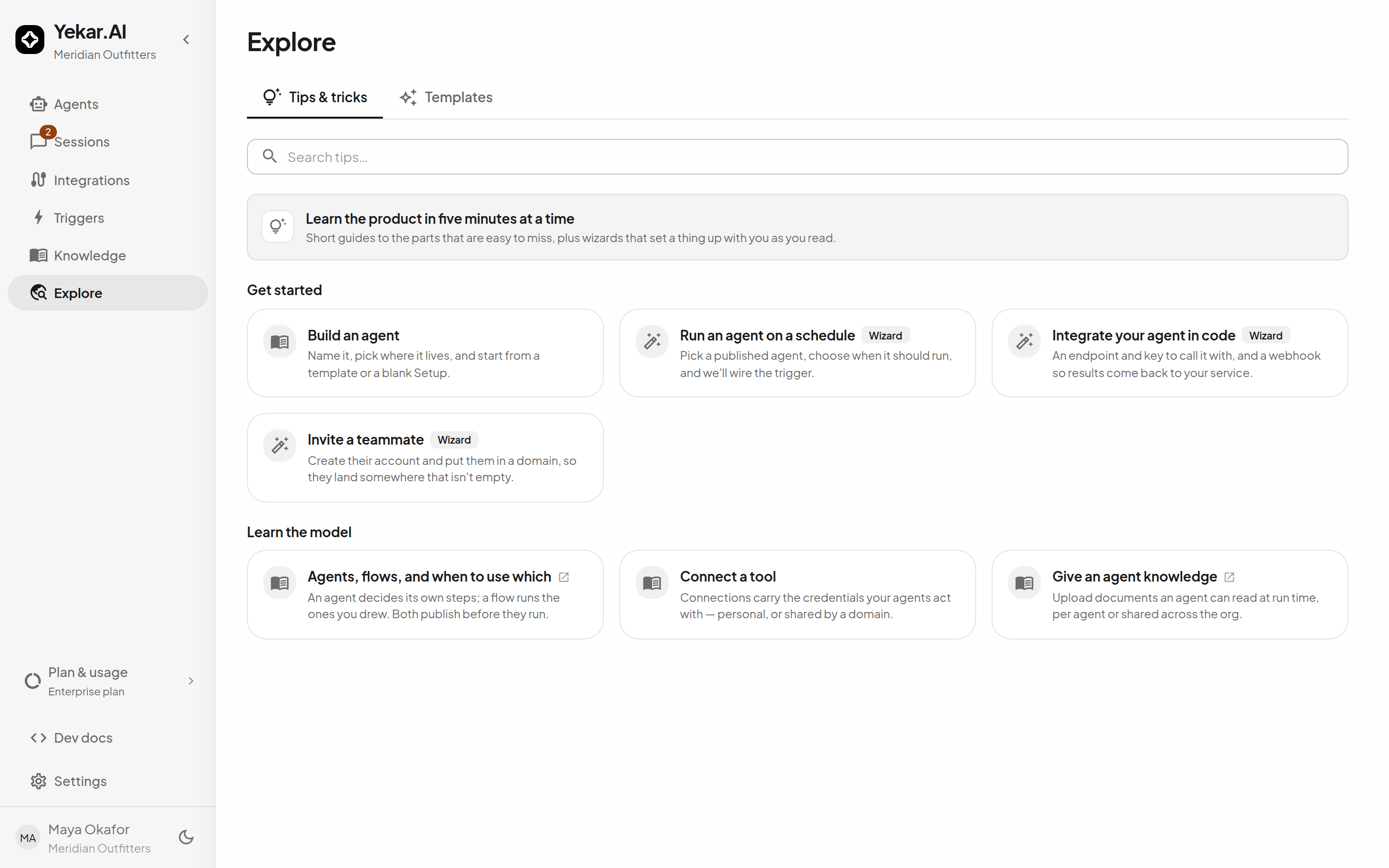
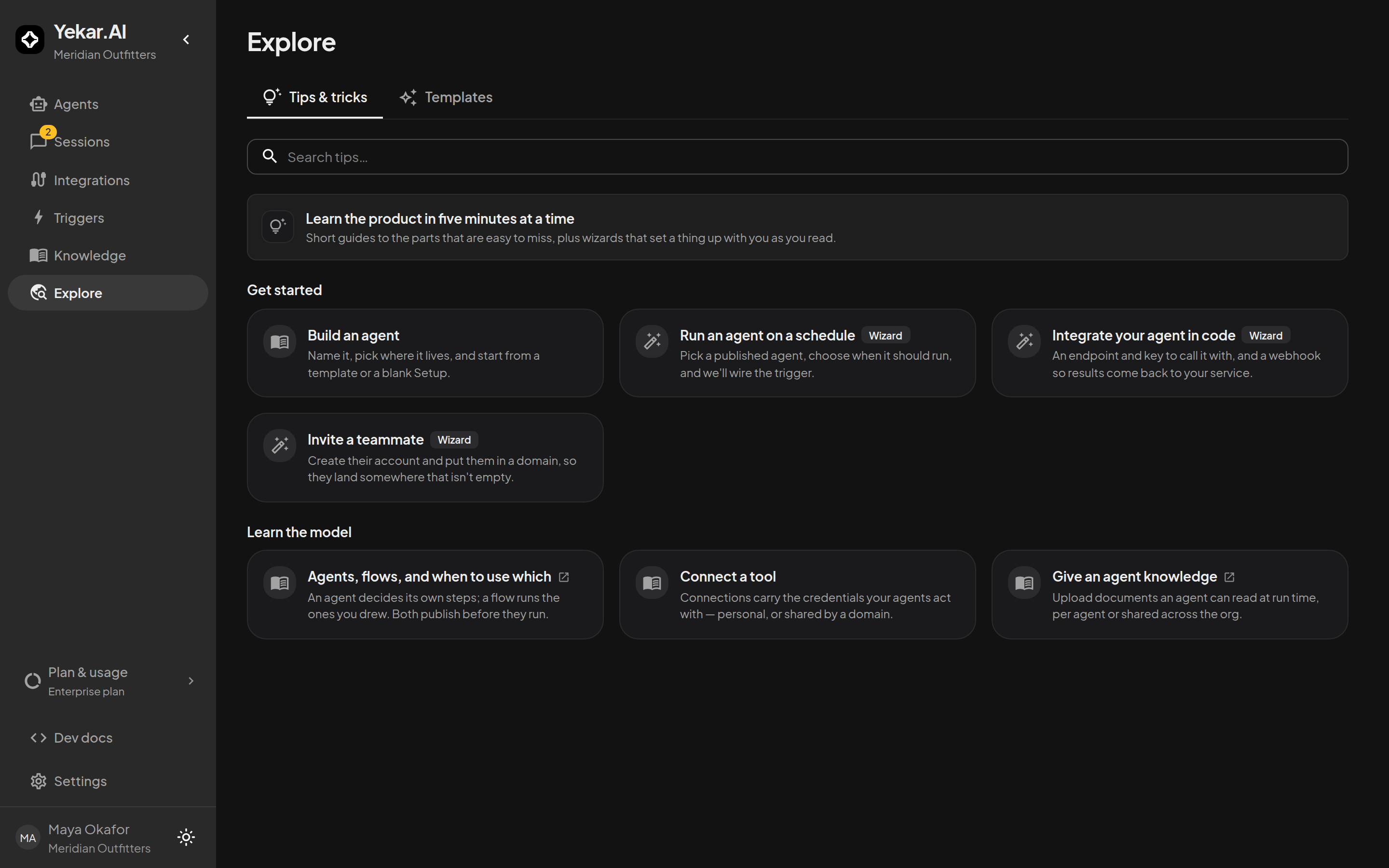
Explore opens on Tips & tricks - short guided walkthroughs that set something up with you rather than telling you how. The Templates tab beside it is the gallery.
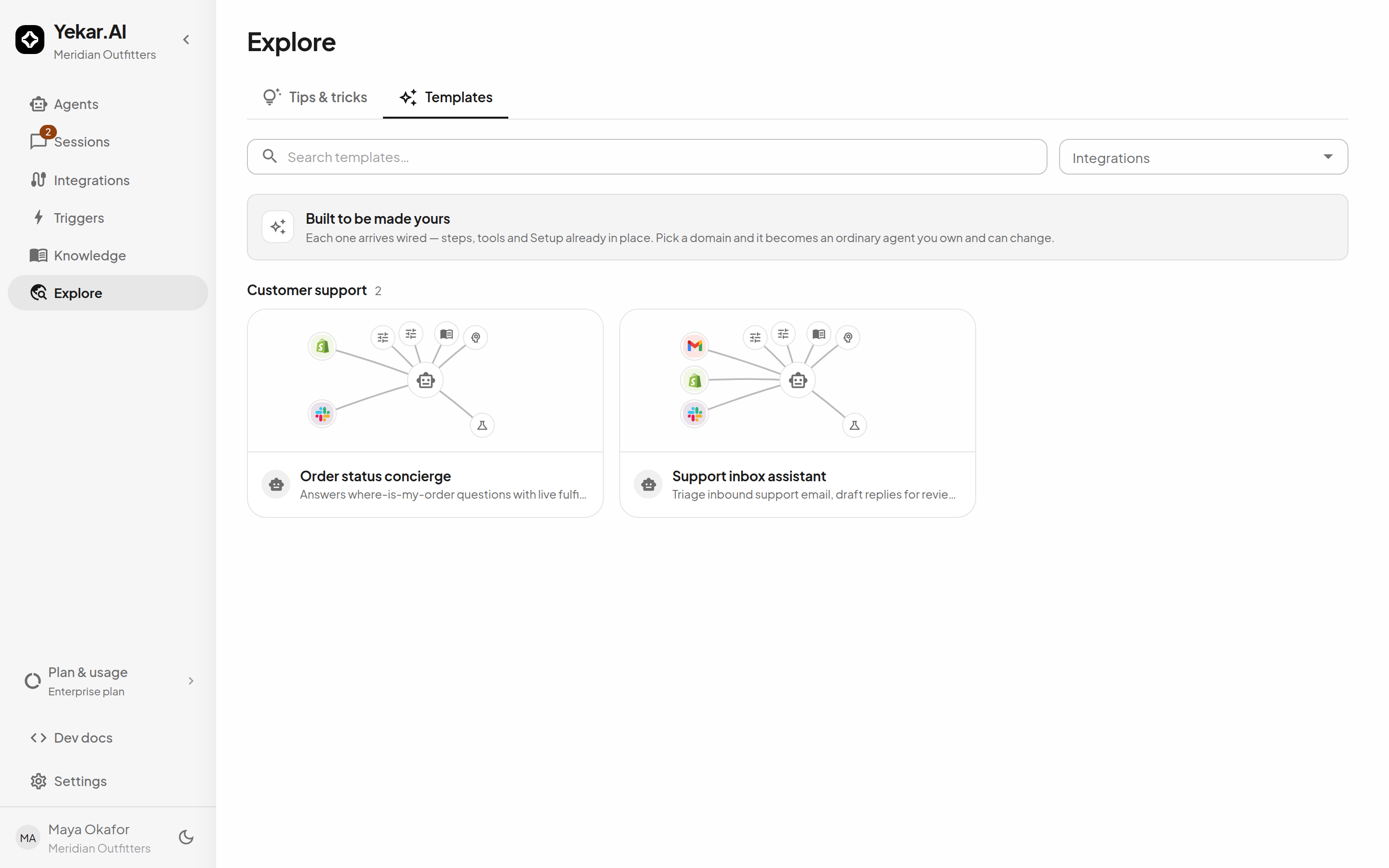
Browse the catalog
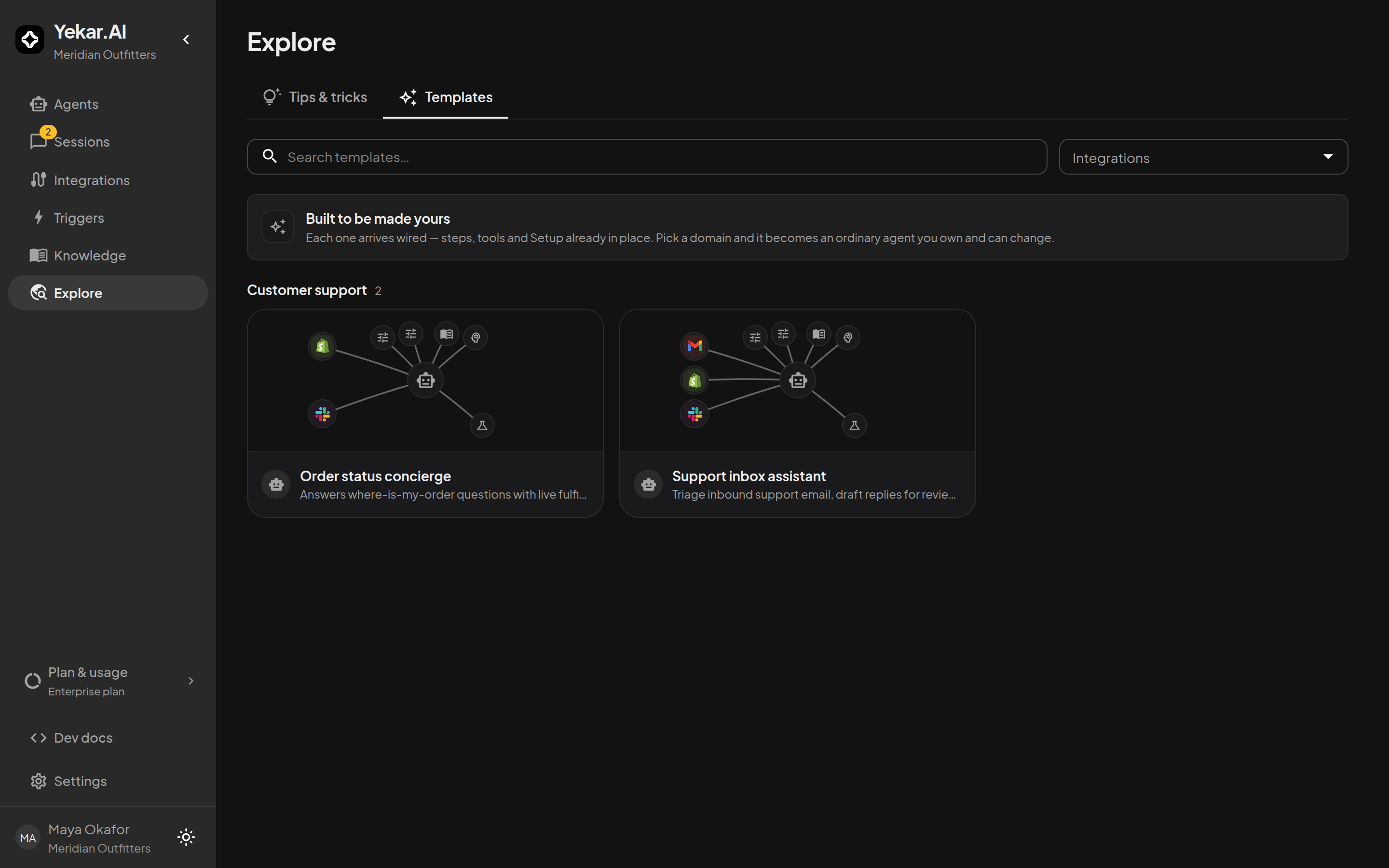
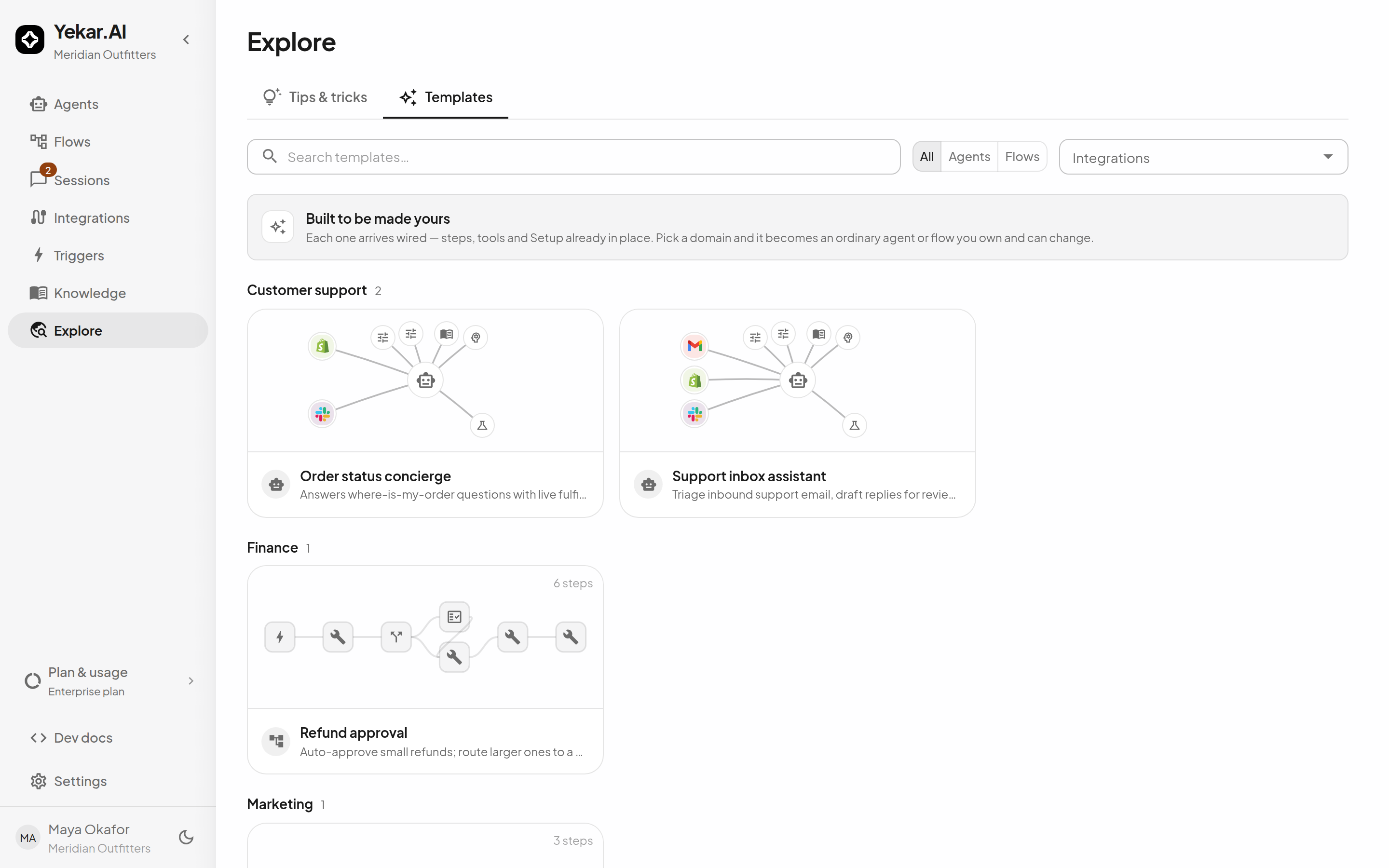
Open Explore in the sidebar. Templates are grouped by category - customer support, finance, operations, marketing - and searchable over names, descriptions, and categories. Workspaces with Flows can also filter by kind (Agents / Flows); if you don't see Flow templates, ask Yekar.AI for early access.
Every card previews what you'd be getting: an agent card shows its anatomy - the integrations and capabilities around the model - and a flow card shows its step graph and step count.
Read a template
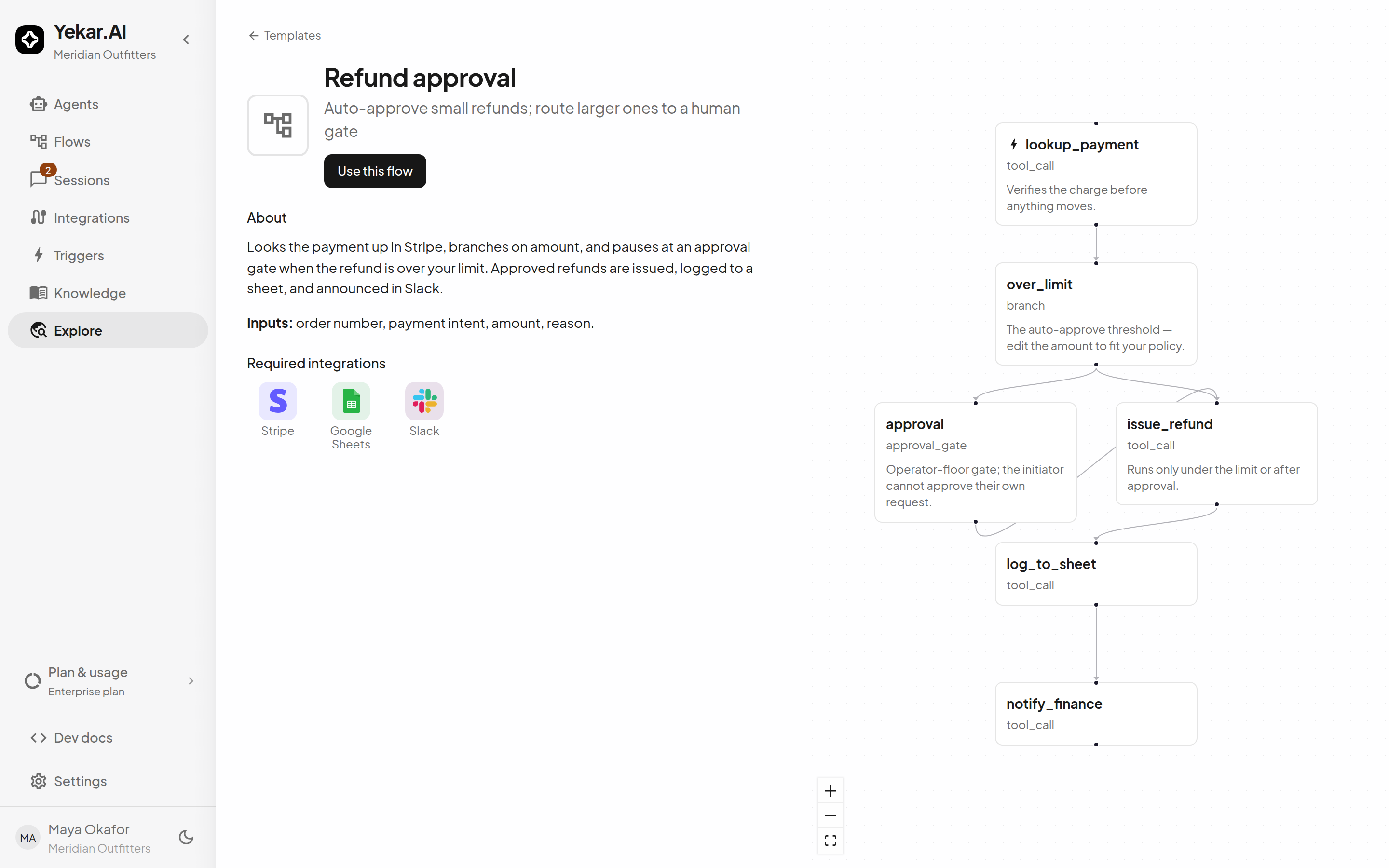
Select a card to open the template's detail page:
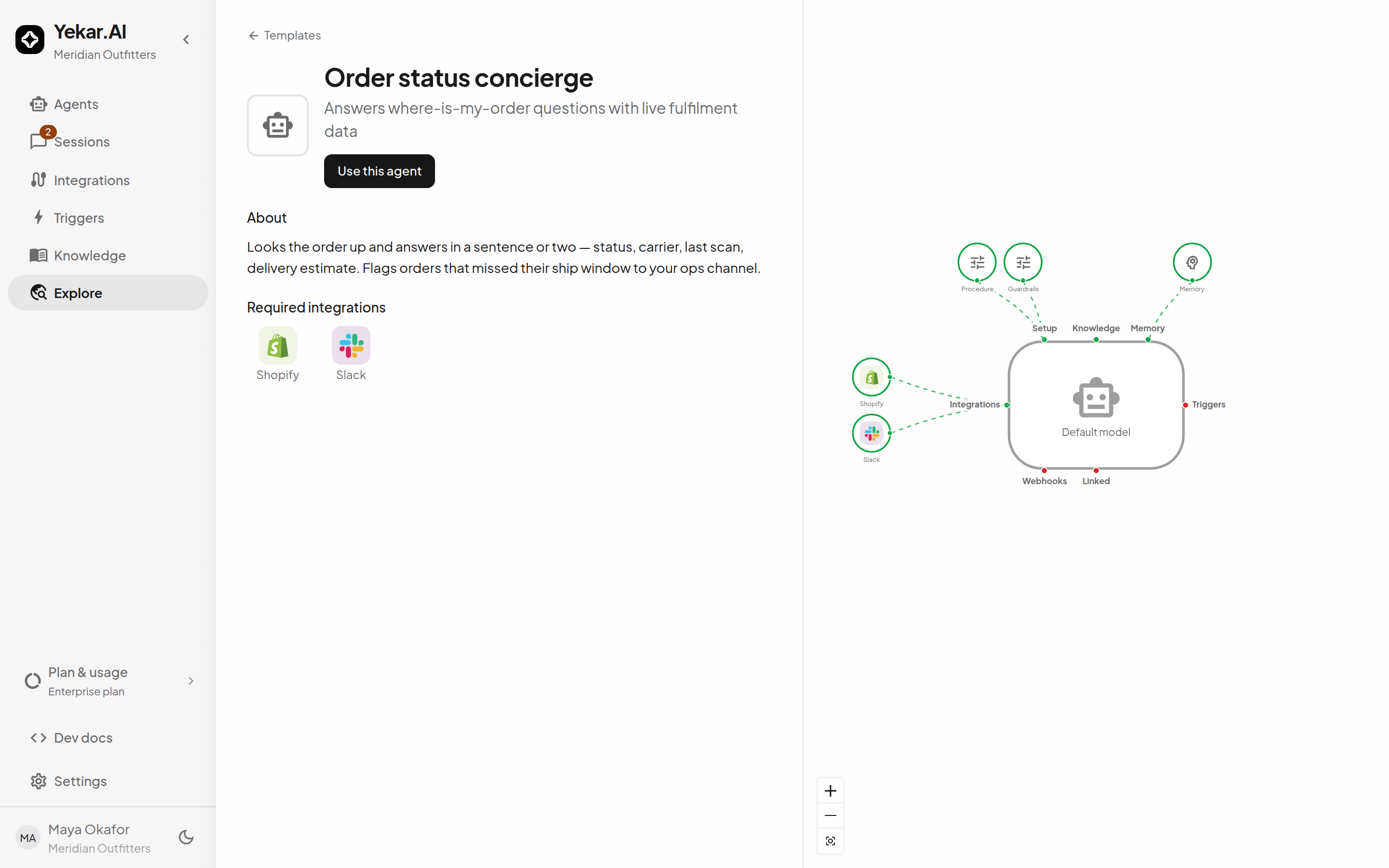
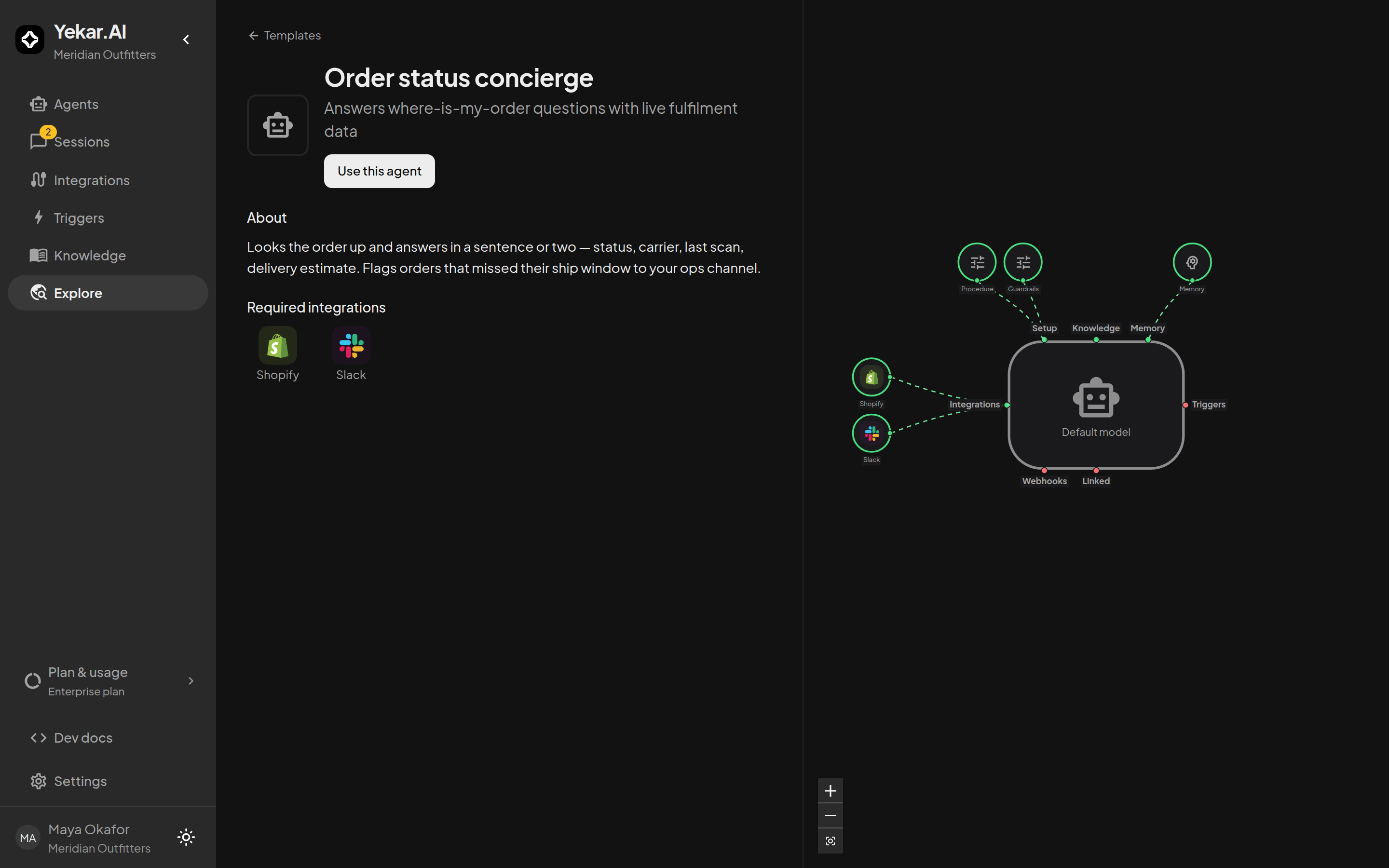
- About - what the template does and how it's meant to be used.
- Inputs (flows) - the fields a run starts with.
- Required integrations - what needs to be connected for the copy to work, and what each one still needs in the domain you pick: Ready, Connects in one click (Yekar.AI's sign-in app, or your own, is set up for it), Needs your own OAuth app, Needs a key, or a step a domain owner must finish. The Use drawer shows the same answer for the domain you choose.
- Included knowledge (agents) - documents the template ships with. They are copied into your new agent's knowledge when you use the template, so what the preview lists is exactly what the agent will know.
- The annotated preview - the step graph (or agent anatomy) with notes on the steps that matter: where the thresholds live, which gate needs which role, what to edit first.
Use a template
Select Use this flow (or Use this agent), then choose the Domain the copy belongs to and a Name:
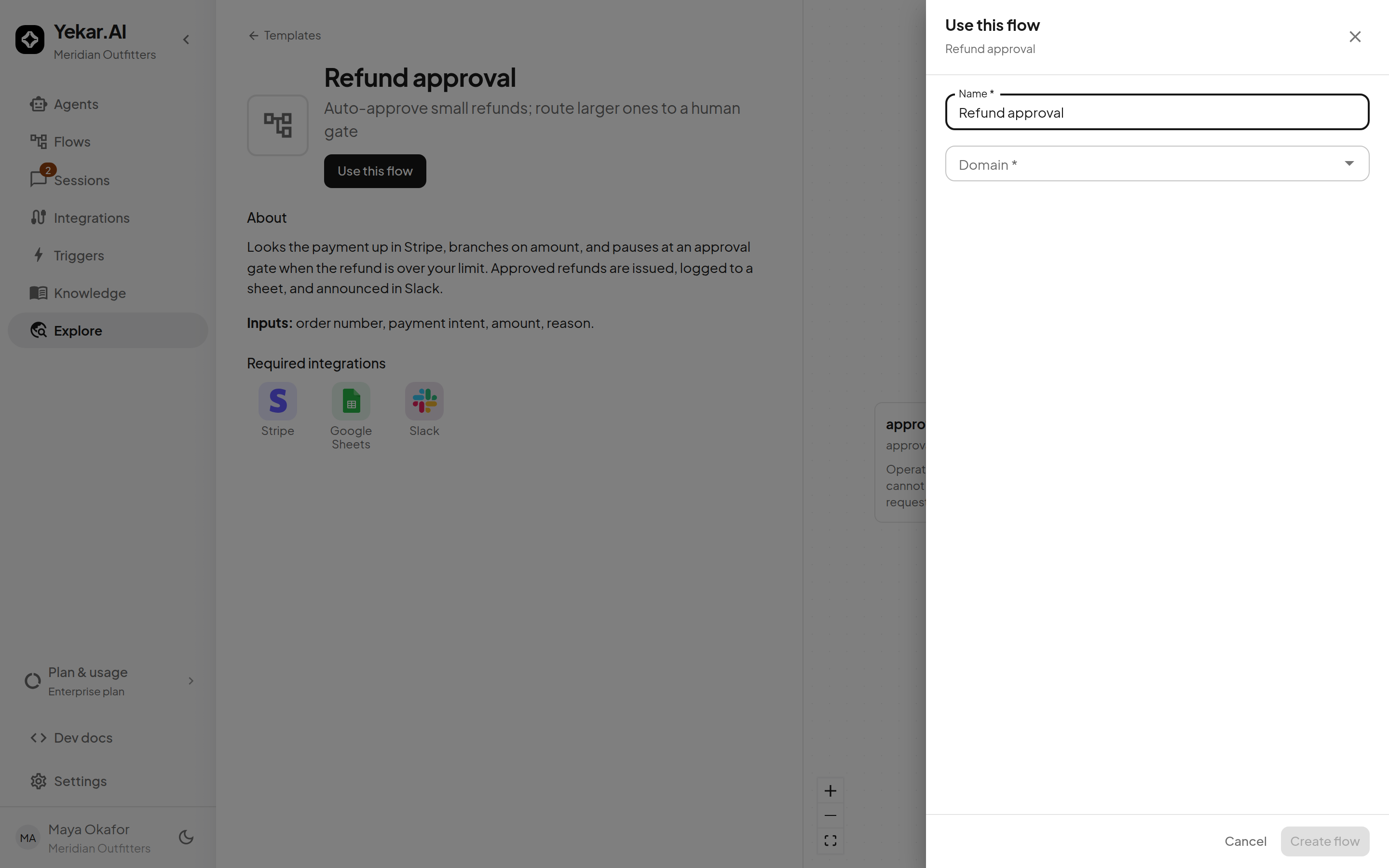
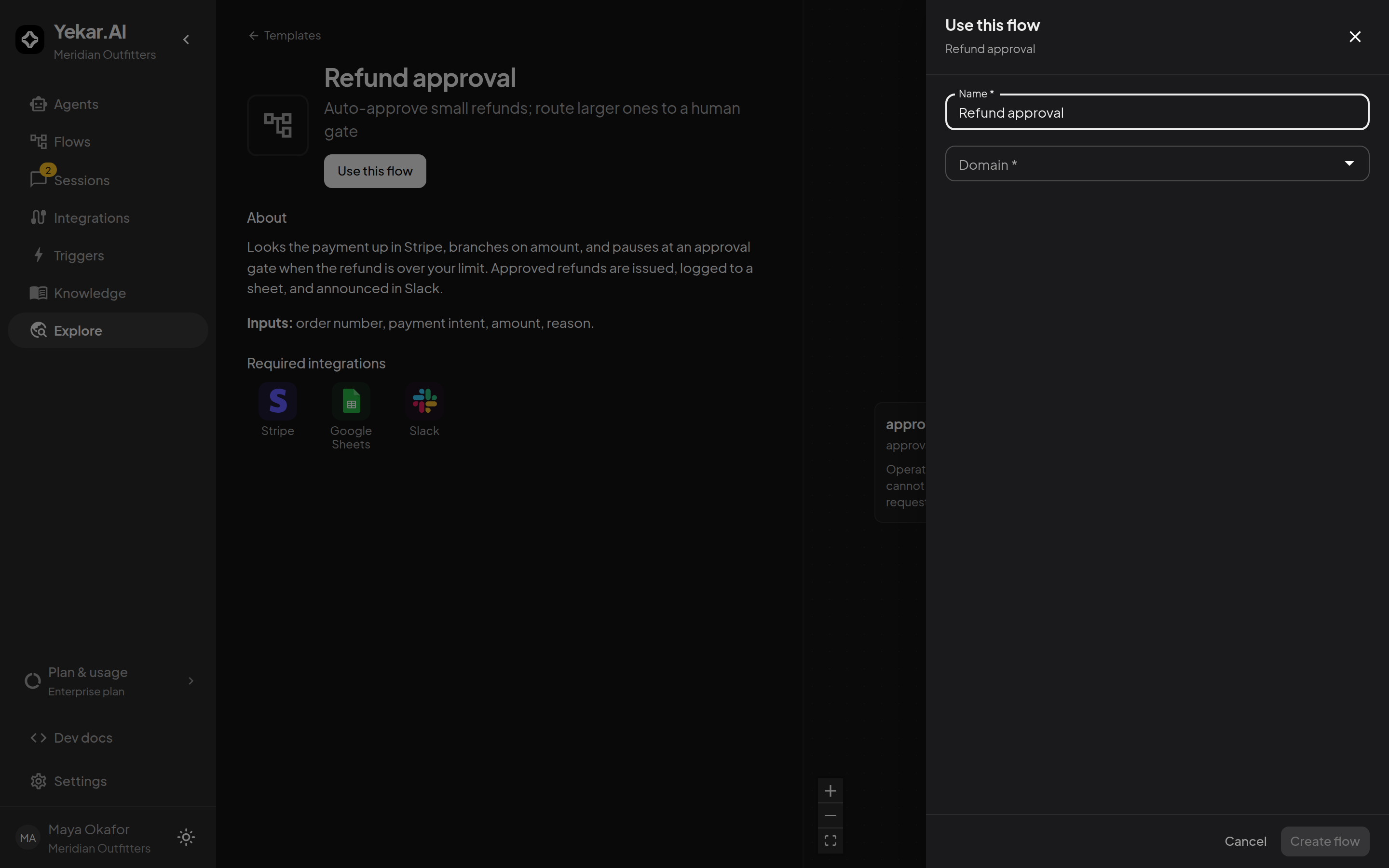
Create flow (or Create agent) copies the template into your organization as a normal draft - from that point it is entirely yours:
- The copy opens in the builder (flows) or on the Agent page (agents), editable like anything you built by hand.
- Nothing runs until you publish it, and nothing connects on its own - connect the required integrations for the target domain. Until you do, an agent runs without that integration's tools and its conversations show a notice offering to connect it (or naming the domain owners who can); a flow step that needs it fails with a named credential error.
- The copy does not track the catalog: later template updates never touch the agents and flows you already instantiated.
- An agent template's included knowledge is copied into the new agent as ordinary knowledge files - manage them from the agent's Knowledge panel like any file you uploaded yourself.
Workspaces with Flows see flow templates in the same gallery, filterable by kind:
A flow template's detail page annotates the step graph the same way an agent template annotates its anatomy:
Start from a template when you sign up
Published agent templates also appear on yekar.ai, on the use case each was made for: that page describes what the agent does and which tools it works with, while the template's own steps and settings stay private. Its Start with this template button opens signup with the template attached. Once your organization is ready, Get started offers Start from that template and opens it, so you pick a domain, name your copy and create it exactly as described above. If the template has been withdrawn by the time you arrive, Get started simply offers to build your first agent instead.
Duplicate one of your own
To reuse an agent or flow you already have, choose Duplicate from its ⋮ menu - on its row in the Agents or Flows list, or at the top of its own page. Give the copy a name and pick a domain where you can edit agents and flows; the original's domain is suggested when you can.
The copy is made from the original's current draft, so changes that aren't published yet come along, and it starts as a draft that runs nothing until you publish it. The drawer lists what comes along and what stays behind:
- Comes along: the draft, the integrations and how each one signs in, an agent's knowledge files, and the organization knowledge it searches. That last one is set on the copy only if you can manage knowledge in the domain you picked and the copy may use the same knowledge there; otherwise the copy searches none, and the message after duplicating says why.
- Stays with the original: triggers and webhooks (only the person who sets up a trigger can turn it on, so set them up on the copy), conversations, runs and saved memory, the learning mode and learned rules, and evals with the publish check that uses them.
An agent that hands work to other agents duplicates as it is - inside your organization the agents it calls are still there. Duplicating an agent counts toward your plan's agent limit like creating one. Agents that come with a module are managed by Yekar.AI and can't be duplicated.
Save your own as a template
When an agent or flow is worth starting from again - by you or by anyone in your organization - choose Save as template from the ⋮ menu at the top of its page. Give the template a name and, if you like, a description. You need to be able to edit the agent or flow to save it.
The template is a copy of the agent or flow as it is now, including changes that aren't published yet, and it keeps the same things a duplicate does: the integrations and how each one signs in, an agent's knowledge files, and the organization knowledge it searches. Triggers and webhooks, conversations, runs and saved memory, the learning mode and learned rules, and evals stay with the original. Later changes to the original don't reach the template - save it again under a new name if you want both.
Your organization's templates appear first in the Select template step when you create a new agent or flow, under Your organization's templates, beside Yekar.AI's catalog. Everyone in your organization sees them. Starting from one works like duplicating: pick a domain where you can edit agents and flows and a name, and the new agent or flow starts as a draft that runs nothing until you publish it. It counts toward your plan's agent limit like creating one, and the message after creating it says if any knowledge didn't come along.
- An agent that hands work to other agents, or a flow that starts another automation, saves as it is - the agents it calls are in the same organization.
- The person who saved a template, and your organization's Owners and Admins, can rename or delete it from the ⋮ on its card. Deleting a template doesn't touch the agents and flows already made from it.
- Agents that come with a module are managed by Yekar.AI and can't be saved as templates.
- Your organization's templates and their files are part of your workspace export, and they're deleted with your organization.
Make it yours
Templates are deliberately generic where your business is specific. Before publishing, walk the annotations: adjust thresholds (the amount above which a refund flow routes to its approval gate), retarget channels and mailboxes, and rewrite prompts in your voice. Then test drive an agent or Test run a flow before it goes live.
Tips
If Use this flow is unavailable, you need a domain where you may edit agents and flows - ask a domain owner for the editor role. If the copy's first run fails with SERVICE_CONNECTION_MISSING, connect the required integrations for the domain you copied it into - see Connect an integration. See Troubleshooting.