Versions, publishing, and run history
Runs execute the published version of a Flow; the draft you edit in the builder is yours until you publish it. Every run is recorded against the version it executed.
Publish a version
In the builder, resolve errors under Flow → Validation, select Save draft, then Publish. The Versions list marks the current, published, and read-only versions - published versions never change; saving on top of one creates the next draft.
To roll back, choose a read-only version in Versions, select its Publish action, and confirm Publish this version. Runs start using it immediately, while your current draft remains untouched.
Published history is retained. You can move live use to another published version, but you cannot turn a published Flow back into a never-published draft.
Read the run history
Open the Flow and select Runs. The page shows totals - runs, succeeded, failed, p50/p95 duration - and every run of the published definition, newest first, with its status, input, starter, and duration.
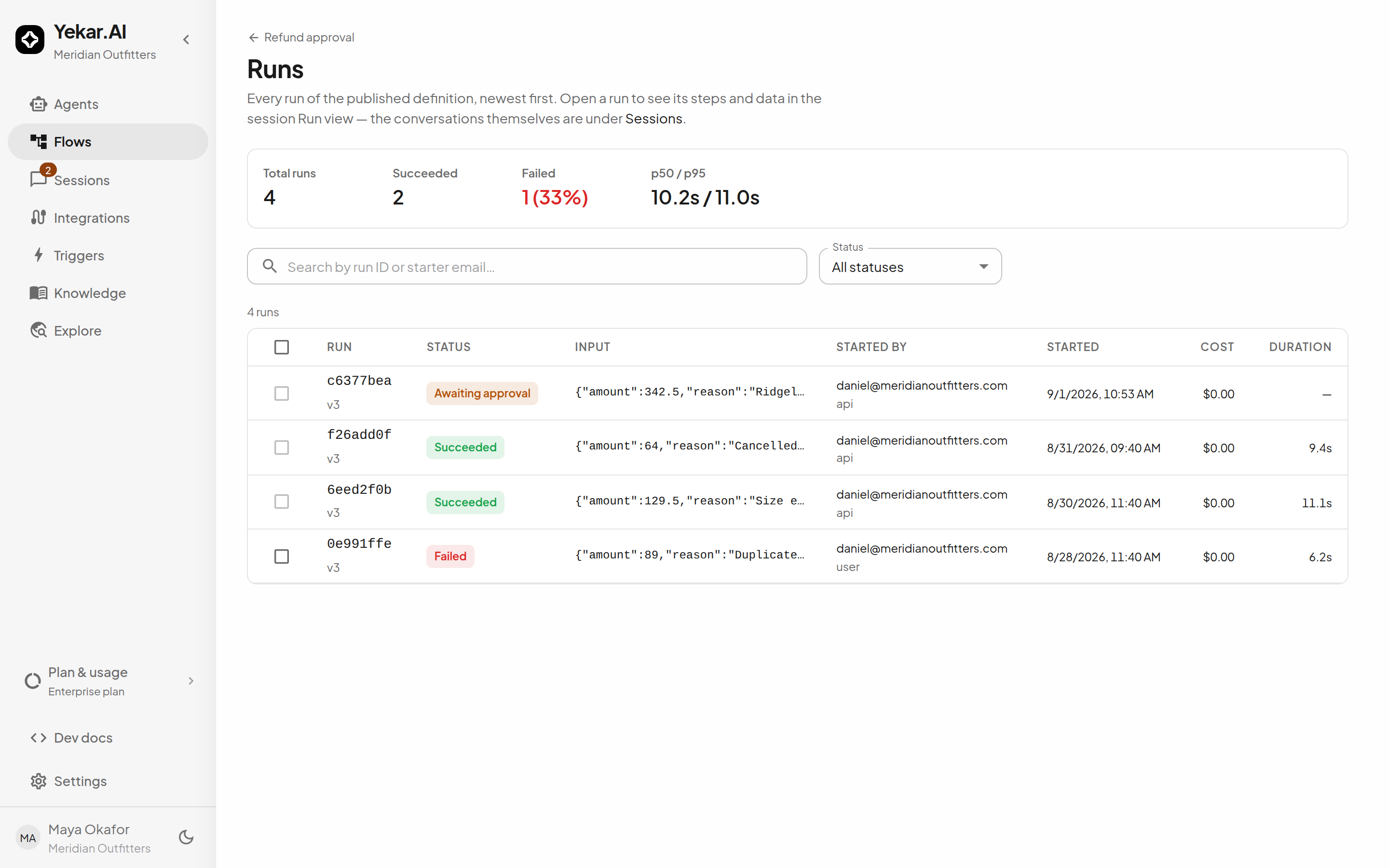
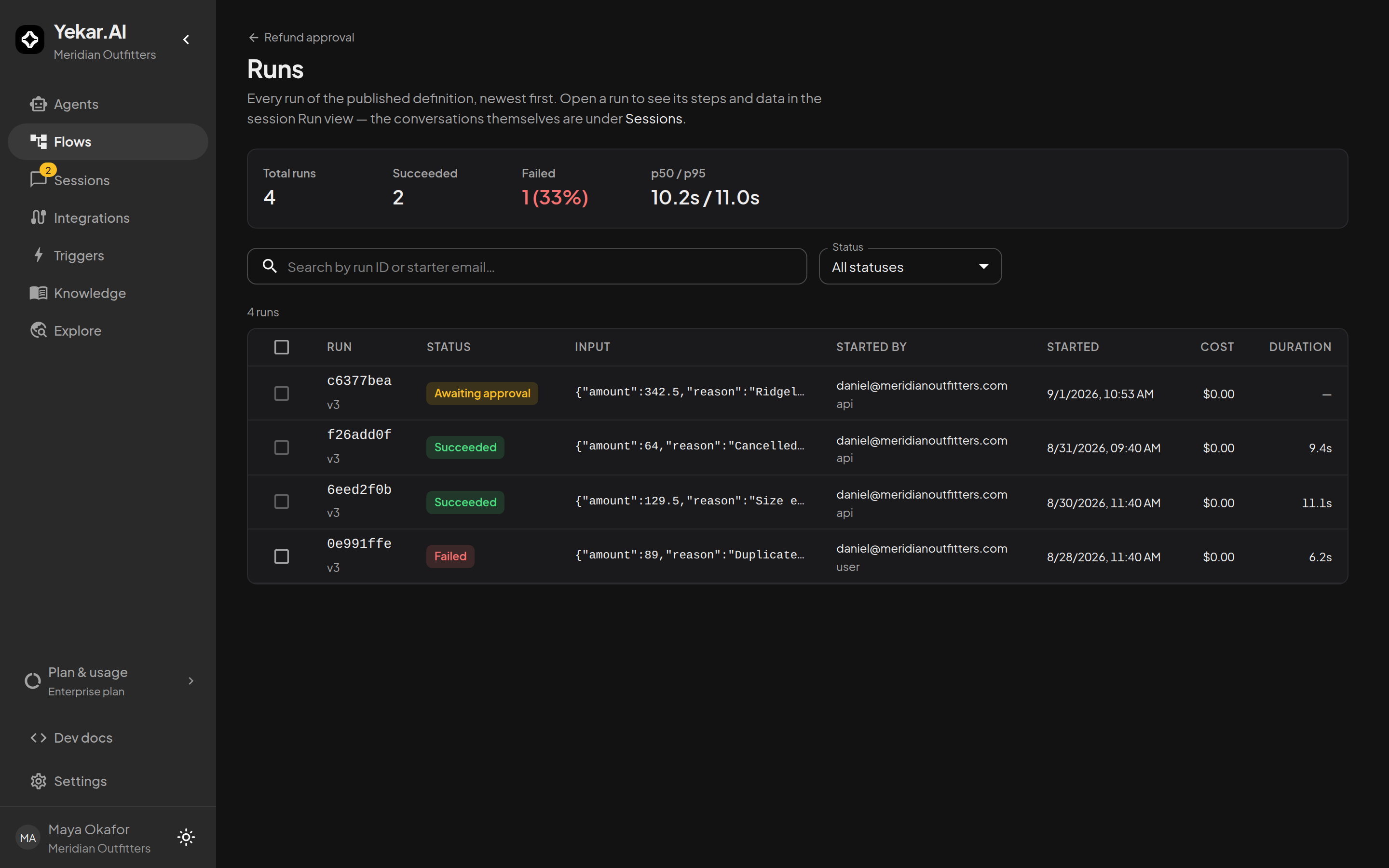
Run statuses:
| Status | Meaning |
|---|---|
| Queued | Accepted, not yet started. |
| Running | Executing now - includes a parallel parent with live branches, and a poll between attempts. |
| Awaiting approval | Parked for a human: an approval gate or a human task. |
| Waiting | Parked on the clock by a wait step - deliberately not "running". |
| Succeeded | Finished; output recorded. |
| Failed | Stopped on an unrouted error; the failing step carries the code and message. |
| Cancelled | Stopped by a person from Monitor. |
| Timed out | Exceeded its execution budget. |
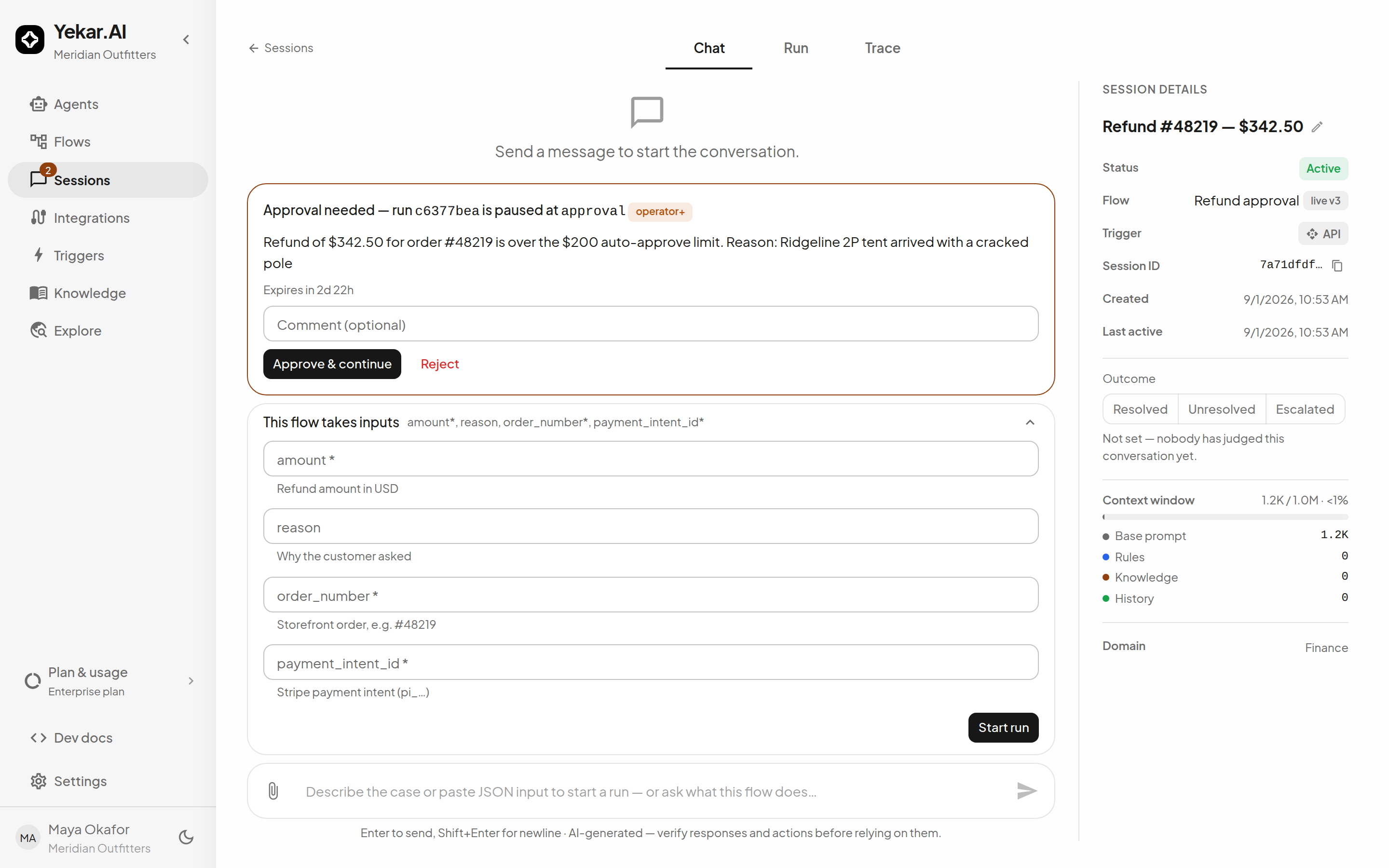
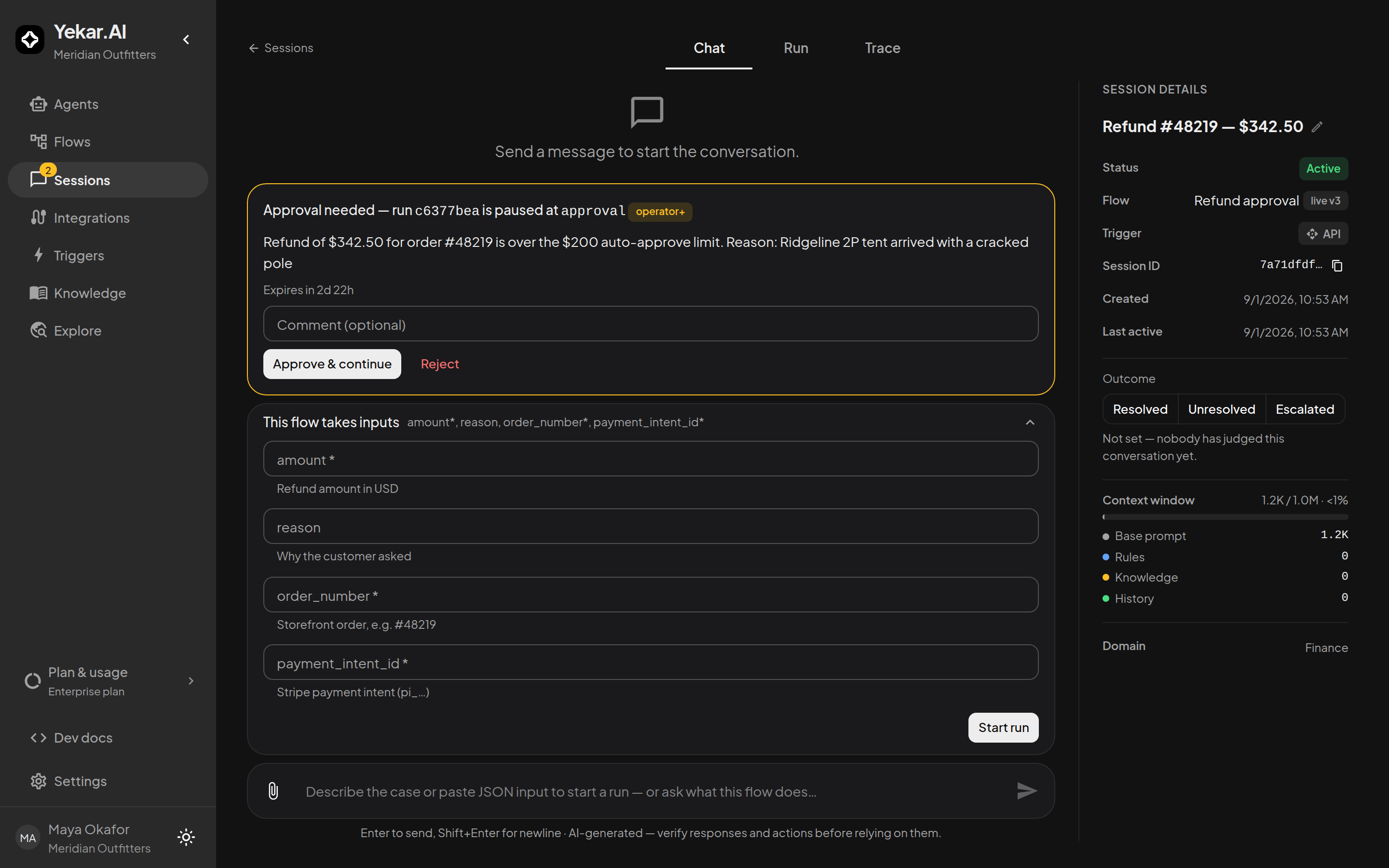
Open a run to see its steps and data in the session Run view - the conversations themselves are under Sessions.
Retry a failed run from the failed step
A failed run's Run view offers Retry from the failed step when the run can be picked up where it stopped. A new run starts in the same conversation at the step that failed; the steps before it are reused from the failed run, not run again - their results feed the steps after them, their tool calls are not repeated, and they do not count again toward the run's step budget. Each reused step is marked Reused from run … and shows the calls the original run made.
Approvals and form answers given before the failure are reused too, and nobody is asked again; the confirmation says how many before anything runs.
It is offered only when:
- the run used the version of the flow that is published now - after a new version is published, start a new run instead;
- the failed step was not cut off part-way through a change (an interrupted write), unless the step is marked safe to repeat or its tool's change is safe to make twice;
- the failure was not inside parallel branches.
Otherwise the request is refused with RETRY_FROM_STEP_VERSION_CHANGED, RETRY_FROM_STEP_INTERRUPTED or RETRY_FROM_STEP_PARALLEL, and you start a fresh run - the Runs page's bulk retry always starts fresh runs on the published version.
Test a step with a run's data
In the builder, Test this step fills its sample data from the flow's inputs and earlier steps. Pick a run under Load data from a run to use what that run actually had instead: its input and every earlier step's result, exactly as the run's later steps read them. The test still runs the step for real.
Webhooks on completion
A Flow can notify an external system when runs complete or fail - configure webhooks from the Flow's Webhooks control, and see Webhooks for delivery, signing, and retries.
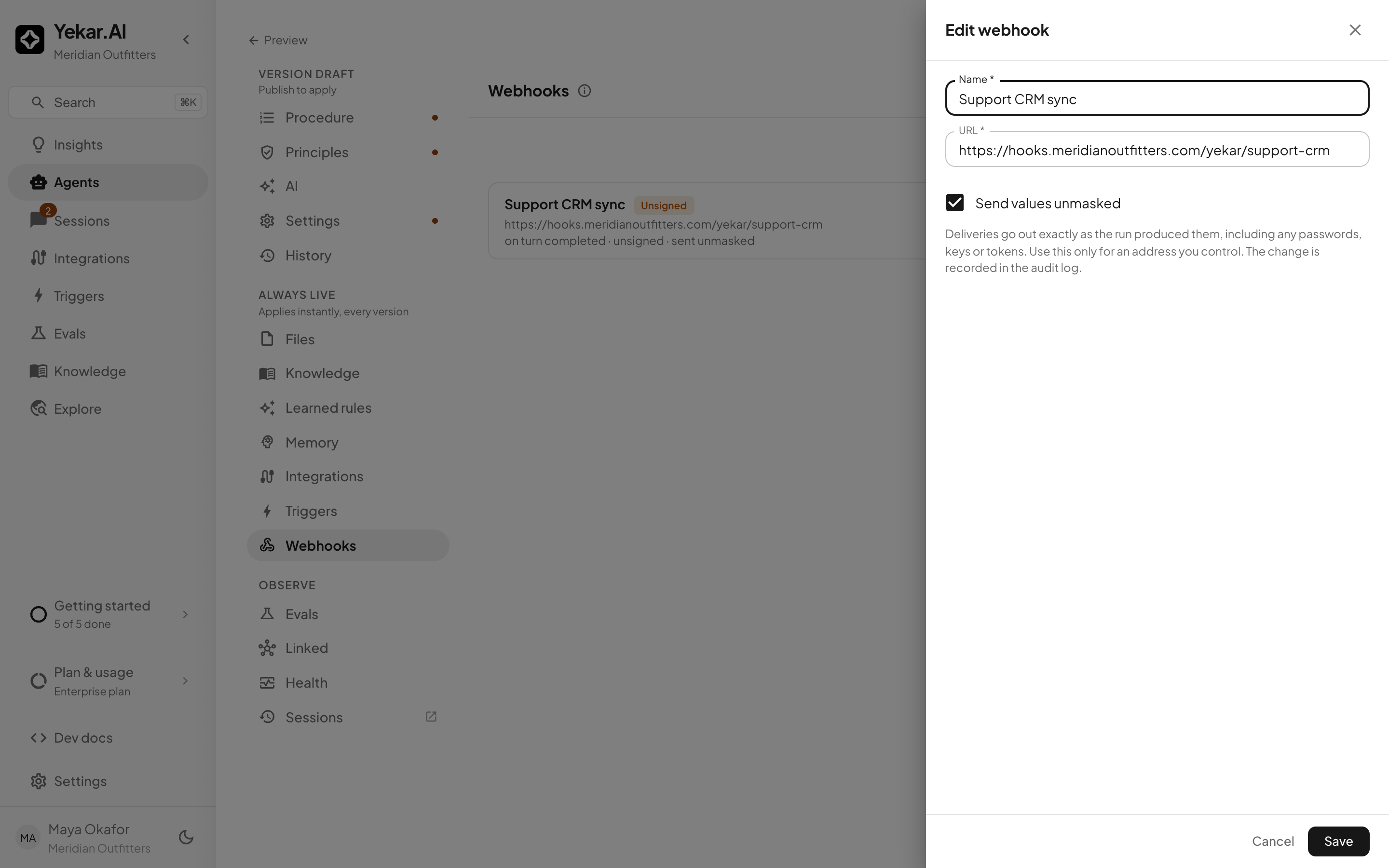
Deliveries are masked by default: anything in the payload that looks like a password, key or token is hidden before it is sent. For an endpoint you control that needs those values as they were produced, tick Send values unmasked on that webhook; the drawer says what that means, the list marks the webhook sent unmasked, and each change is written to the audit log. Turning it on is refused inside a support session that is not in full write mode. Agents carry the same control on their own Webhooks section.
Tips
If a run is missing from the list, check whether it was a Test run - draft test runs are audited but kept out of statistics. If Publish says the definition is not ready, the validation checklist names each blocker. See Troubleshooting.